Biometric Locks Explained Fingerprint And Facial Recognition
 Biometric Locks Explained Fingerprint And Facial Recognition
What Makes Biometric Locks the New Gold Standard in Security?
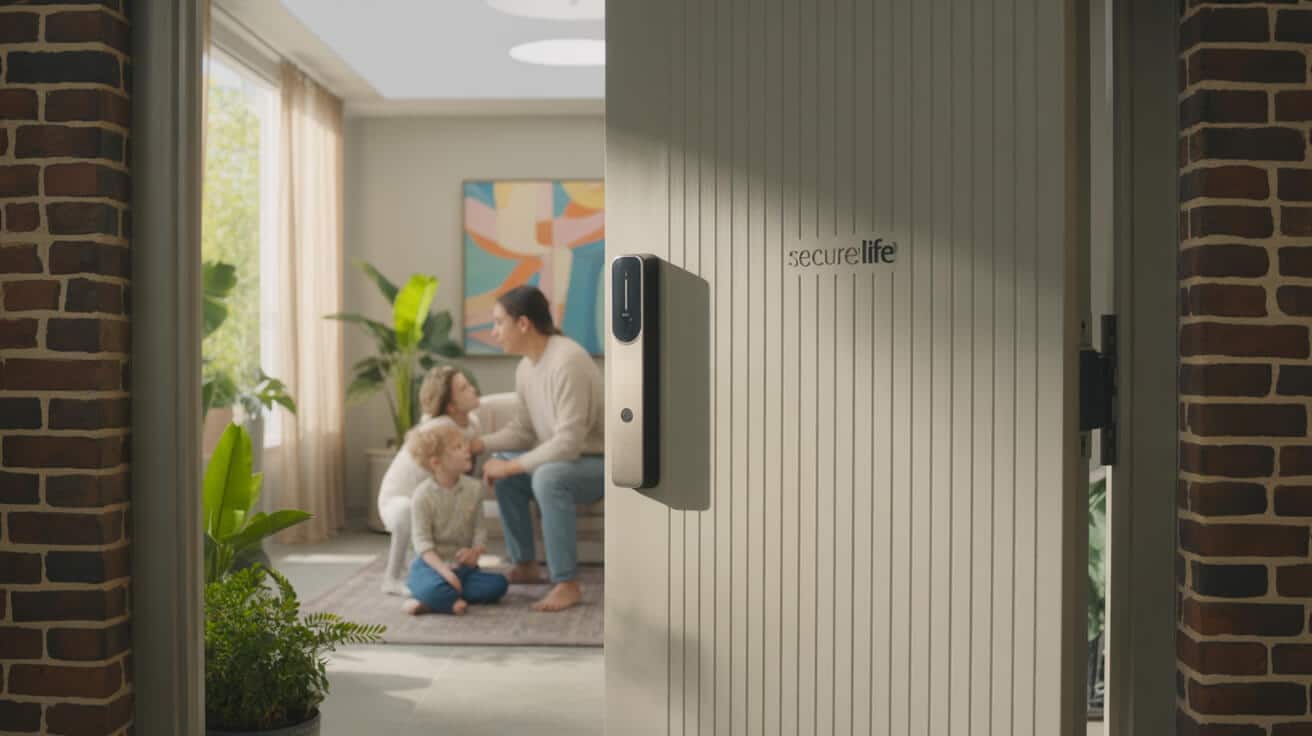
Biometric locks are no longer sci-fi—they’re the new reality at London’s front doors. Your fingerprint or face is now the single most secure key, and nobody else can borrow it, copy it, or lose it down a drain. For property owners who are done fumbling with backups or sharing PINs, biometrics offer a direct, hassle-free shortcut: every entry checks you, not just your code or key. That means cleaner security, seamless daily life, and no more “did I lose my keys again?” moments.
The only thing you bring to the door? Yourself.
London’s streets are seeing real adoption, too: biometric instals are up by 20% per year, especially in homes, short lets, and businesses where quick access and strong control matter most (pocket-lint.com). With the ICO championing privacy guidance, modern biometric locks keep your private data where it belongs—locked down with you.
How Do Biometric Locks Work—and How Are They Different from Old-School Keys or PINs?

A biometric lock turns your fingerprint or face into a living, digital passcode. Instead of hiding keys or trusting a PIN, you’re using the one thing nobody else can lend out: your own unique traits. Simply look at the lock or touch a sensor; the system checks your features against an encrypted personal list. No remembering, no passing around, no rebuying lost keys.
“Biometric locks verify identity using unique biological markers—most commonly fingerprints or facial features.” (brothers-locksmith.com)
Every scan leaves an audit trail. You’ll know who’s coming in the door—no more mystery “who was that?” late at night.
What Actually Happens When You Scan Your Finger? The Quick Rundown

Each touch on your biometric lock starts a lightning-fast routine. A sensor reads the fine lines and curves of your fingertip, turning them into a digital signature locked inside the device—never online. That pattern gets checked against every profile the system knows. If there’s a match, you’re in. If not, the lock doesn’t budge.
Your fingerprint becomes your unpickable signature—no spares, no guessing.
Leading models store dozens of profiles securely on the device. Some even measure under your skin, so weather and minor dings don’t block you out. Regular upkeep keeps your everyday routine smooth—no science lessons needed.
What Sets Facial Recognition Smart Locks Apart?

Facial biometric locks analyse real features like your eyes, cheeks, and jaw—not just a selfie. The lock’s high-res camERA creates a 3D blueprint, checking dozens of data points (think space between your eyes, nose shape, jawline) every time you approach. Premium versions use infrared and depth sensing so you can change your haircut, put on glasses, or open the door after sunset—accuracy holds up.
“The system analyses facial landmarks—distance between eyes, nose, jawline—to create a unique signature.” (zysmartlocks.com)
For London’s families, landlords, or anyone needing no-touch access, there’s never been an easier way to walk through the door.
Can Biometric Locks Really Block Hackers, Photos, or Fakes?

Top biometric locks fight back with “liveness detection,” a way to weed out fraud. These systems check for warmth in your skin, subtle blood flow, or real movements—making it impossible to get in with a cut-out photo, a video replay, or a 3D mask. If a fake tries to slip by, it’s shut out.
You can hold up a family photo all day—the lock won’t blink.
“75% of spoofing attacks target locks with weak liveness detection.” (protectxpert.com)
Ask for models with visible “anti-spoof” features and you lock down your advantage.
Why Do Biometric Locks Outclass Traditional Keys and PINs on Security?

A PIN or key is only as secure as the person who last had it—and everyone’s had a locked-out moment. Biometric locks block that. Your fingerprint or face is one in a million and can’t be stolen from a drawer or cloned at a shop. No more loaning out access or stressing about copies.
“Fingerprints are unique and hard to replicate…making access highly personalised.” (brothers-locksmith.com)
Audit logs and instant notifications add real teeth—meaning if someone tries to slip in, you see it in real time.
What Everyday Annoyances Trip Up Biometric Locks?

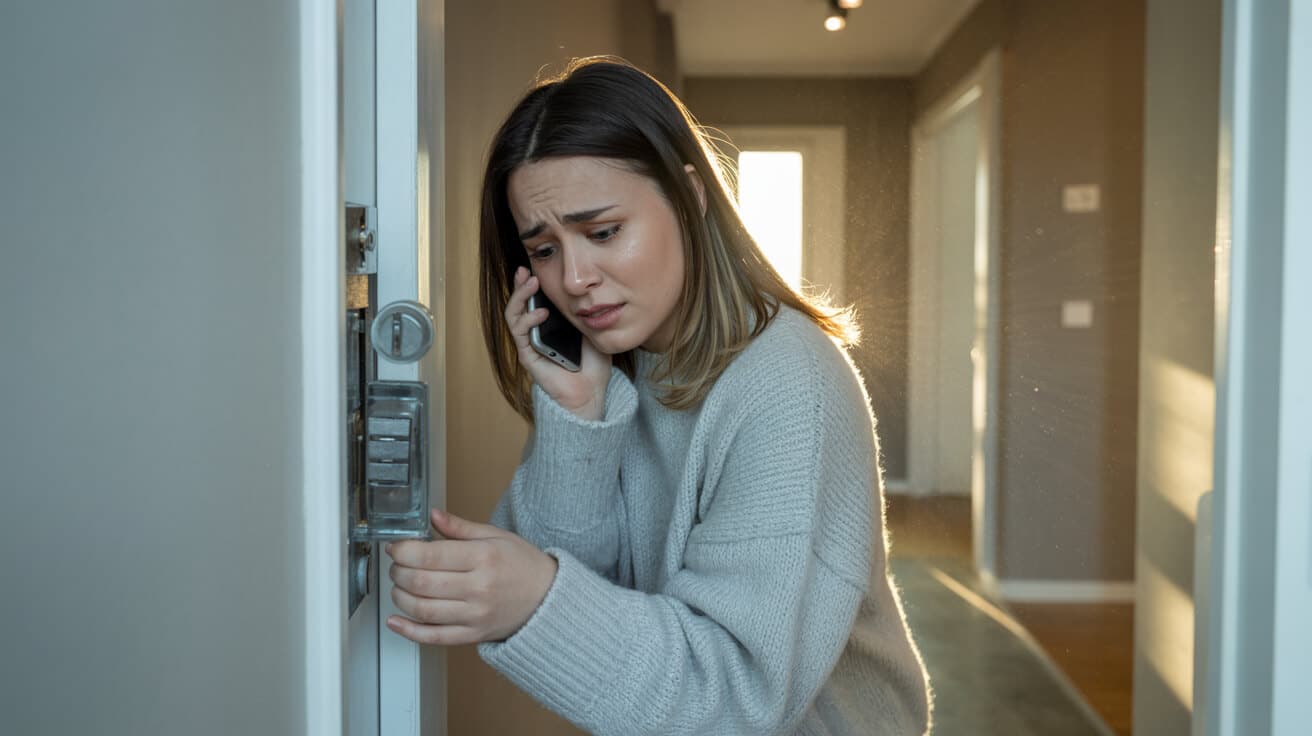
Even the best tech can fumble: cold hands, wet fingers, or rainy weather mess with sensors. Heavy makeup or sunglasses can trip up facial cameras. Smart manufacturers add backup keypads or mechanical keys just in case, so you’re never stuck outside in the rain.
“Cold weather, dirt, or injury can affect recognition by the sensor.” (protectxpert.com)
A quick sensor wipe or profile update sorts most issues—plus, nothing beats a spare key as last resort.
What Do “False Accepts” and “False Rejects” Mean for Biometric Security?

Biometric security comes down to two numbers:
- False Acceptance Rate (FAR): The chance a stranger can get in (lower is better).
- False Rejection Rate (FRR): You or your family get locked out (should be rare).
Top models run FAR below 0.001% and keep FRR at 1–2%. Most misses are everyday hiccups—grime, wet weather, or missing updates. Don’t trust brands who can’t show their stats up front.
“FAR (unauthorised access chance) for top models is <0.001%; FRR (lockouts) can reach >2%.” (zysmartlocks.com)
Is Every Biometric Sensor Built the Same? The Sensor Breakdown
Under the hood, three main sensor types drive the experience:
- Optical: Reads the surface of your fingerprint—cheapest but easiest to trick.
- Capacitive: Scans deeper, measuring electrical patterns inside your finger. Less likely to misread unwashed hands.
- Ultrasonic: Uses sound waves—top-tier, reliable in London’s wild weather.
The best facial locks add infrared to work in darkness or glare, keeping doors open only to your real face.
“Advanced 3D sensors and IR allow facial locks to work in complete darkness.” (zysmartlocks.com)
The right sensor means no drama, even in winter.
What Makes a “Smart” Lock Actually Smart—Not Just Flashy?
It’s all about the software. Great smart locks plug in more advanced recognition algorithms—so they unlock quicker and adapt if your face changes (think new beard or glasses). They also get better with updates, tackling problems and new threats via downloads—so your lock gets smarter with age.
“System converts your finger pattern into a digital template, then matches it against stored data.” (brothers-locksmith.com)
Brands with regular updates and fast support are the only ones worth your upfront investment.
Will a Power Cut or Sensor Fault Lock You Out? Backup Plans
No lock is perfect; backup is non-negotiable. Every serious biometric lock should offer a fallback: PIN entry, a smartphone unlock app, or a hidden key slot. Even if the battery dies or the weather’s wild, you’re covered.
“Quality biometric locks provide PIN code, app, or mechanical key backup.” (zysmartlocks.com)
Check that your shortlist doesn’t skimp on these. Getting locked out in the rain belongs in the past.
Are Biometric Locks a Match for Every Property? When to Consider Alternatives
It depends on how your property works. Family homes and companies wanting traceable, one-touch access will love biometrics. Short lets with endless visitors may mix in PIN or key options for flexibility. Hybrid locks (bio + PIN + key) handle any scenario, so you don’t sacrifice ease for security.
“Each [locking method] has strengths—biometrics…are hard to share or steal, but may falter in harsh conditions.” (brothers-locksmith.com)
Map your daily routine—choose a lock that fits your life, not just the trend.
What Typical Issues Drive Users Crazy?
Accidental lockouts top the list—usually dirt on the sensor, a drastic new haircut, or Mother Nature’s mischief. Forgotten profile updates are a close second. Regular wipes and keeping your admin panel fresh solve 95% of pain points.
“User frustration from false rejection triggers accidental lockouts.” (protectxpert.com)
Keep backup methods set up—you’ll rarely need them, but when you do, you’ll be grateful.
Does London Weather Mess Up Biometric Lock Performance?
Rain, grime, and freezing temperatures can be a real battle for entry tech—especially at the door. Premium options seal sensors against water and use IR or ultrasound so even fog or frost won’t stop you.
“Extreme cold, heat, rain, or dirt…can disrupt sensor/camera performance.” (protectxpert.com)
Your locksmith should instal for weather and show you how to keep things running—boots at the door, not problems on the porch.
Which Brands Set the Biometric Standard—and Which Ones Deliver?
A few names keep coming up for a reason: Yale, Schlage, Nuki, Ultraloq, Level. They push regular updates, answer the phone, and have warranties that match their prices. Always check for third-party reviews and certifications—flashy ads alone are not enough.
“Top brands—Yale, Schlage, Nuki—show up repeatedly in expert reviews and awards.” (swiftlane.com)
If a locksmith stands behind a brand, it’s worth your trust too.
Which Biometric Lock Models Are Best in 2024?
This year’s top picks:
- Ultraloq U-Bolt Pro: Stands out for big families and properties with lots of users.
- Yale Assure SL: Loved for design, support, and easy smart home integration.
- Schlage Encode: Fast, secure, perfect for UK businesses.
- Level Lock+: Discreet, techy, and ideal for design-led flats.
- Nuki Smart Lock: Tailor-made for landlords, simple retrofit.
“Ultraloq U-Bolt Pro offers Z-Wave compatibility, robust storage, and high reliability.” (pocket-lint.com)
Ask your locksmith which suits your property; don’t pick just on price.
What’s the Security Scorecard? Comparing Today’s Top Models
See how the top models measure up on real-world access errors:
| Model | False Acceptance | False Rejection |
|---|---|---|
| Ultraloq U-Bolt Pro | <0.001% | ~2% |
| Yale Assure SL | <0.005% | 1–2% |
| Schlage Encode | <0.001% | 1% |
These numbers mostly reflect lock hardware and software quality; even the best still need backup features for those rare off-days.
Will a Biometric Upgrade Actually Save Money?
Upfront, you’ll invest £140–£350 for a quality biometric lock, but you’ll save months later on emergency locksmith calls, lost-key replacements, and possibly even with your insurer.
“Some insurers offer premium discounts for smart security upgrades.” (pocket-lint.com)
Pick locks with strong warranties and reachable support—the long-term wins add up.
How Should You Pick a Biometric Lock for Your Place?
Match the tech to your setup:
- Houses/flats: Go with well-designed, compact models; check integration with apps you actually use.
- Short lets, Airbnb: Choose retrofits (Nuki, August) that swap users quickly.
- Offices/shops: Prioritise robust security models with app control and audit trails.
“Nuki and August focus on retrofit; can add biometrics to existing locks.” (pocket-lint.com)
Get a specialist to walk your property—you’ll spot the right options fast.
Will Your Smart Lock Play Nicely with Apps and Smart Homes?
Today’s best biometric locks are built to fit into modern digital lives. Expect Alexa, Google, or Apple HomeKit integration. App features should let you unlock remotely, schedule access for deliveries, and get instant alerts on your phone. Top brands push regular updates, so you’re always a step ahead of new risks.
“Ultraloq and Yale locks integrate with most major smart home platforms.” (swiftlane.com)
If you value convenience, get this on your checklist from day one.
What’s the Real Storey on Privacy with Biometric Locks?
Your privacy is the prize. Leading locks keep your biometric data stored on the lock—encrypted and local, never shipped online. Ensure it’s GDPR-compliant, especially in the UK. Review privacy policies, and ask about updates before buying.
Security loses all meaning if privacy is left behind.
“Choose models with encrypted, on-device storage—not the cloud.” (protectxpert.com)
Keep your data where it belongs: with you, on your own property.
What Simple Habits Make Biometric Locks Last and Keep Working?
Consistency wins:
- Clean your sensors regularly to avoid access errors.
- Update or re-scan profiles as your household changes.
- Always have backup access (key, app, or PIN) enabled.
- Stay current on firmware/software releases.
“Calibrate biometric profiles regularly…enable PIN backup and review software updates.” (zysmartlocks.com)
A bit of effort now saves a headache later.
Do Biometric Locks Make Life Easier for Families?
Biometric locks are designed to help families avoid lock drama. Enrol everyone’s fingerprint or face—in-laws, babysitter, or even occasional guests. Use temporary PINs for cleaners or tradespeople. Monitoring entries gets easy, so everyone feels safer.
“Most locks support 50–100+ unique fingerprints or faces.” (zysmartlocks.com)
Grow your access list as your family’s needs change.
Are Biometric Locks Really Built for Business and Short Let Growth?
London’s property managers, clinics, and offices see the time savings daily. Dashboards let you add or remove users instantly, hand out codes for contractors, and track every access—no more chasing lost keys or changing locks after staff changes.
“Some models track access attempts for greater accountability.” (protectxpert.com)
Look for models with “multi-admin” support if your business wants real control.
How Do You Quickly Solve Annoying Biometric Lock Problems?
Run into trouble? Here’s the real-world fix list:
- Smudge? Give the sensor a wipe.
- Not opening? Use your backup: PIN, app, or key.
- Battery blinking? Replace before winter hits.
- Family changes? Refresh the user list in minutes.
“Wet/dirty hands, facial injury, hats, glasses may cause temporary issues—systems allow multiple stored prints/faces for flexibility.” (zysmartlocks.com)
Locksmith support can resolve 99% of these quicker than searching forums.
What’s Next for Biometric Lock Technology?
Get ready for even smarter tools ahead. AI tools are already being built in, making locks more “alive”—detecting if someone’s faking an entry, raising an instant alarm if access tries fail, or updating capabilities over the internet. Upgrades mean today’s lock will only get more secure.
“AI/ML for liveness detection and anomaly recognition is rapidly evolving.” (pocket-lint.com)
The tech you buy now won’t be out of date in a year.
Where Can You Trust Reviews—and Where Should You Look For Them?
Forget sizzle reels. Prioritise live demo videos, hands-on reviews, and locksmith advice over flashy marketing. Reddit, specialist YouTube breakdowns, and local experts give you the truth. Bonus: you can often try a lock in-person before you commit.
“Look for hands-on reviewers and endorsements from property managers and tech channels.” (swiftlane.com)
Use that insight to cut wasted time and avoid regret.
Why Does Professional Installation Pay Off With Biometric Locks?
It’s not just about mounting a lock—it’s positioning, testing, and teaching you how to use everything. Seasoned locksmiths ensure sensors are aimed right, backups work, and your property’s quirks are covered. DIY saves pennies but costs hours if problems arise.
“Professional locksmiths bridge the gap between innovation and everyday reliability.” (brothers-locksmith.com)
Professional help is what unlocks real performance.
The Final Move: Secure Your Biometric Upgrade With Prime Alert – The London Locksmiths
Upgrade your security—don’t just automate it. Prime Alert – The London Locksmiths stands ready to demonstrate, instal, and support the best biometric locks for your property or business. Our team guides you through options, manages setup, and guarantees privacy and reliability, day after day.
Protect your property and reputation with the technology—and support—you can trust.
Get started today. Choose Prime Alert – The London Locksmiths for your biometric upgrade and experience peace of mind at every entry—no keys, no codes, just you.
Frequently Asked Questions
How does biometric authentication offer stronger access control than traditional locks?
Biometric authentication leverages your unique biological features—like a fingerprint or facial scan—to grant entry, not just a key or PIN that anyone could borrow, steal, or copy. Unlike common locks, a high-end biometric system encrypts access data and detects fakes with liveness checks, stopping both lost-key intruders and advanced impersonators. Every entry attempt leaves a digital trail, putting you in the driver’s seat for both accountability and real-time alerts. It’s control at a much deeper level.
When your door recognises you, not just your keys, risk takes a back seat and convenience moves up front.
What next-gen features set advanced biometric locks apart?
- Every unlock and failed attempt is instantly logged for easy review
- Dual-factor options (biometrics plus PIN or app)
- Local device encryption eliminates cloud leaks
Prime Alert – The London Locksmiths ensures you’re protected with systems that make monitoring and privacy inseparable from security.
What day-to-day realities can affect a biometric lock’s dependability?
Biometric sensors are sophisticated, but weather and life are messy. Rain, frost, or greasy hands can lower the odds of a perfect scan—just as big glasses, hats, or rapid appearance changes can confuse facial locks. UK winters especially test outdoor sensors with condensation and chilly extremities. Yet, the latest biometric models include waterproof casings, adaptive scan tech, and responsive sensitivity to handle these glitches in stride.
How do you keep your system reliable in all conditions?
- Wipe sensors dry and clean after a storm or cold snap
- Update saved profiles after big appearance changes
- Look for IP65+ weather ratings for external doors
Prime Alert recommends models engineered for London’s climate and offers installation that guarantees all-weather performance from day one.
Why is it crucial to choose biometric locks with reliable backup methods?
Even top-tier tech can hit a snag—flat batteries, sudden faults, or simple slip-ups can block biometric access. That’s why leading systems give you backup PIN pads, app unlocks, and high-security physical key overrides. These are vital if you need access during emergencies, unplanned lockouts, or to grant entry during maintenance—without exposing your property to traditional vulnerabilities.
What keeps you secure is not just the first line of defence, but knowing you’ll never be locked out by the last.
How do you ensure backup access is foolproof?
- Replace batteries regularly and keep an override key somewhere discreet
- Choose locks with tamper-resistant override chambers
- Give physical backup keys only to those you trust
Prime Alert never leaves your access strategy one-dimensional, with every installation tested for seamless backup operation and user support.
Which biometric lock brands deliver best-in-class scalability, security, and smart features?
Market leaders like the Ultraloq U-Bolt Pro, Yale Assure SL, and Schlage Encode dominate for 2024, with robust encryption, capacity for 50–100 users, and deep integration into smart home systems (Alexa, HomeKit, Google). These models survive heavy foot traffic, support real-time audit logs, and offer remote controls. Professional installation (averaging £100–£200 in London) is non-negotiable—proper setup maximises both security and usability for homes or business entry points.
| Model | Max Users | Smart Integration | Avg Installed Price |
|---|---|---|---|
| Ultraloq U-Bolt Pro | 60+ | Alexa, Google | £250–£500 |
| Yale Assure SL | 50+ | HomeKit | £220–£450 |
| Schlage Encode | 100+ | Alexa, Google | £300–£550 |
Prime Alert – The London Locksmiths guides you to the tech that sets your property apart, handling installation and settings so everything simply works.
How can you make biometric locks virtually hassle-free for years?
Great security works best when it fades into the background. Keep your sensors spotless—a quick wipe after a rainy day is all it takes. Refresh access profiles as people come and go, and replace batteries at every voice alert or, better yet, every season. For those running rental properties, quarterly audits on access permissions maintain both control and peace of mind.
What easy routines keep your system running at its best?
- Set calendar reminders for battery swaps and access removals
- Ask your installer about doorside shelter to improve longevity
- Remove user profiles for past staff or guests
Prime Alert offers scheduled check-ins and maintenance, taking the heavy lifting out of keeping your lock—and your property—at the cutting edge.
When is the right moment to switch to biometric security?
It’s time when you want more than keys—when you’re done with lost access, guessing who might have a copy, or juggling remote guests. Homeowners who host short-term lets, businesses tracking staff, or anyone wanting audit trails with hands-off convenience stand to gain most. Insurers and new regs increasingly expect digital access controls—moving early locks in future proofing at both property and policy level.
The surest way to stay ahead of risk? Secure what matters before the rest of the world catches up.
Prime Alert – The London Locksmiths is your frontline partner for biometric upgrades, ready to analyse, instal, and manage every system detail for security you never have to second-guess.