Do Smart Locks Need Wi Fi To Work
 Do Smart Locks Need Wi Fi To Work
Do Smart Locks Really Need Wi-Fi to Work? Here’s What Sets You Free from Tech Frustration
You shouldn’t hand over access to your front door just because your Wi-Fi decides to drop out. The best smart locks from trusted brands are crafted so you never get stranded—whether the internet’s pouting, your router’s unplugged, or your app’s stuck spinning. Most locks give you reliable alternatives: punch in a code, tap in with Bluetooth, or grab your mechanical key. That’s more than convenience; it’s technology designed to fit real life, not the other way around.
When Wi-Fi fails, a real lock opens the door instead of giving you one more tech headache.
It’s not about fancy integrations or being the first with the latest app. What matters is keeping control. Let’s separate the marketing noise from what actually counts when you want your lock to just work.
Which Smart Lock Features Rely on Wi-Fi, and Which Don’t?
Not all smart locks are built the same. While Wi-Fi unlocks some flashy extras, the core functions—locking and unlocking—are protected from internet chaos. The best designs ensure the basics work whether your broadband’s flying or fried.
Here’s how it splits:
- No Wi-Fi Needed:
- PIN code: – Direct entry without apps or internet.
- Bluetooth unlock: – Tap your phone within a few metres for instant access.
- Mechanical key: – The always-on fallback, no batteries or wireless needed.
- Wi-Fi-Only Perks:
- Remote access from miles away (let in a guest from anywhere).
- Push alerts about who’s come or gone, or if the battery’s low.
- Control via Alexa, Google Home, or similar voice assistants.
The non-negotiable: Local options should always grant access, even if the router melts. Industry tests confirm the top locks never leave you outside if the internet dies (Wirecutter). Wi-Fi is an extra, not a requirement.
Will My Keypad Code Still Work if the Wi-Fi or App Fails?
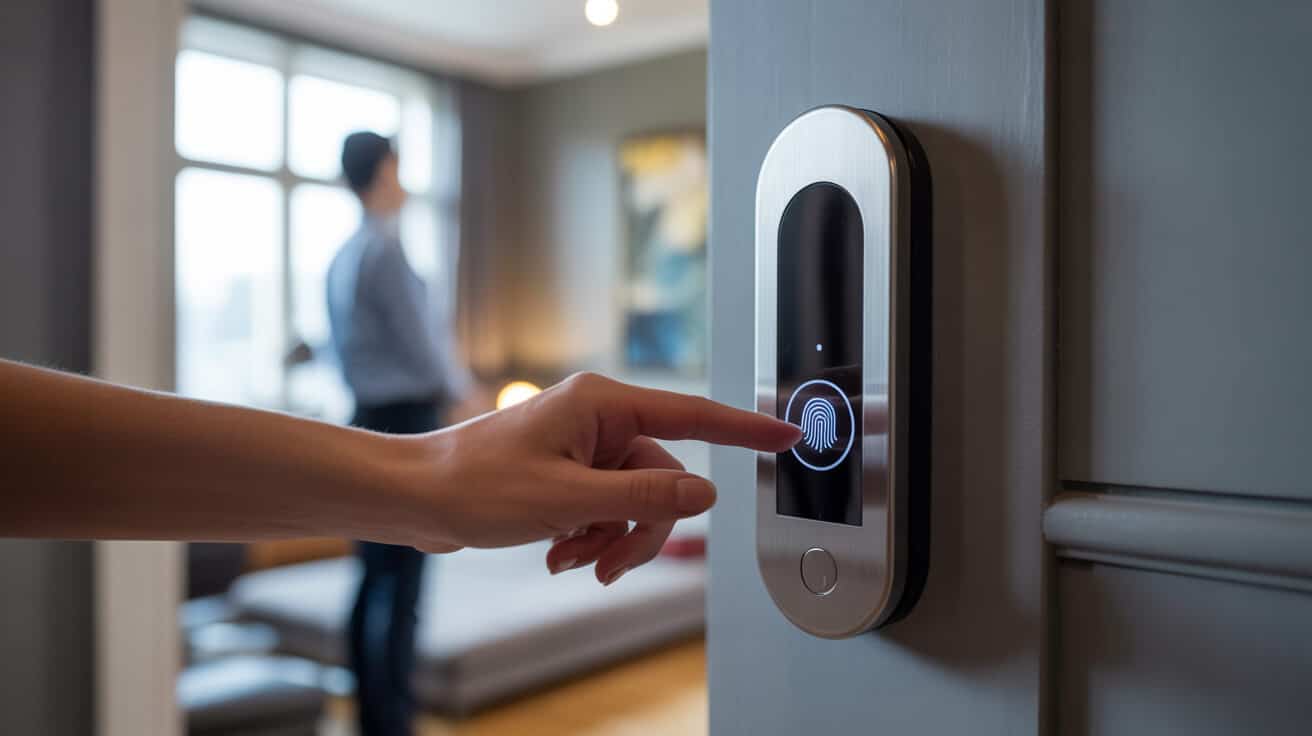
Absolutely. Keypad access on reliable smart locks works independently of your internet—no signal, no login, no app update required. Punching in your code triggers the lock instantly. The brain of the lock stores your PIN on-device, so it responds even if you drop your phone in a puddle or the Wi-Fi is out for the weekend.
Worried the “cloud” will forget you? Keypad codes are designed for local verification—no round trip through the internet needed. For families, landlords, business owners—this offline route is the unbreakable backup (eufy.com).
You shouldn’t need internet luck for your own front door. Sometimes, a PIN beats an app every time.
How Does Bluetooth Unlocking Work Without Wi-Fi?
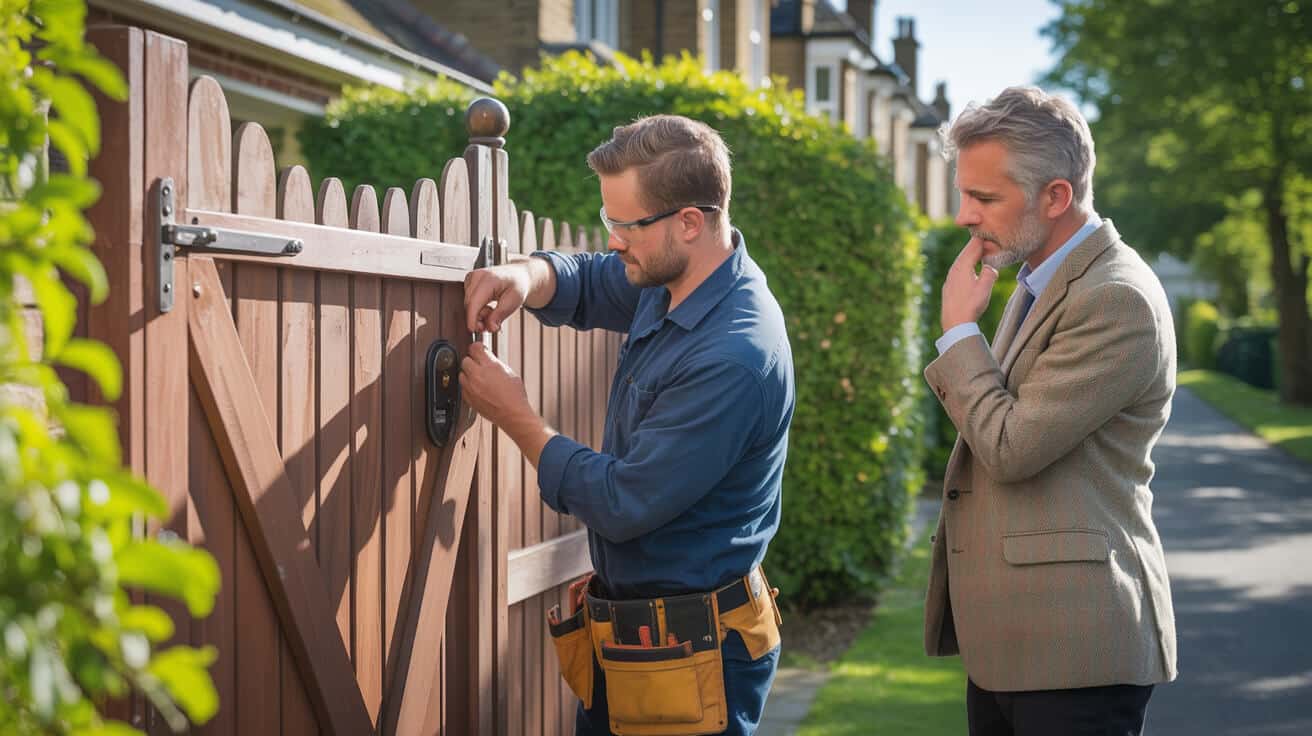
Bluetooth unlock is another offline win. If your phone’s within roughly 3–15 metres of the door, it talks straight to the lock—no Wi-Fi, no cloud, just local permission. Forget login screens or spotty signals; the exchange happens on the doorstep, so delays are rare.
- When Wi-Fi fails, Bluetooth still gets you inside swiftly ([androidpolice.com](https://www.androidpolice.com/do-i-need-wifi-smart-lock)).
- You can pair multiple trusted devices so family, flatmates, or staff have the same easy access.
Bluetooth’s invisible when everything’s fine, but when the app glitches or the server crashes, it’s suddenly the hero you need.
What If Battery or Tech Fails? Can I Still Get In?
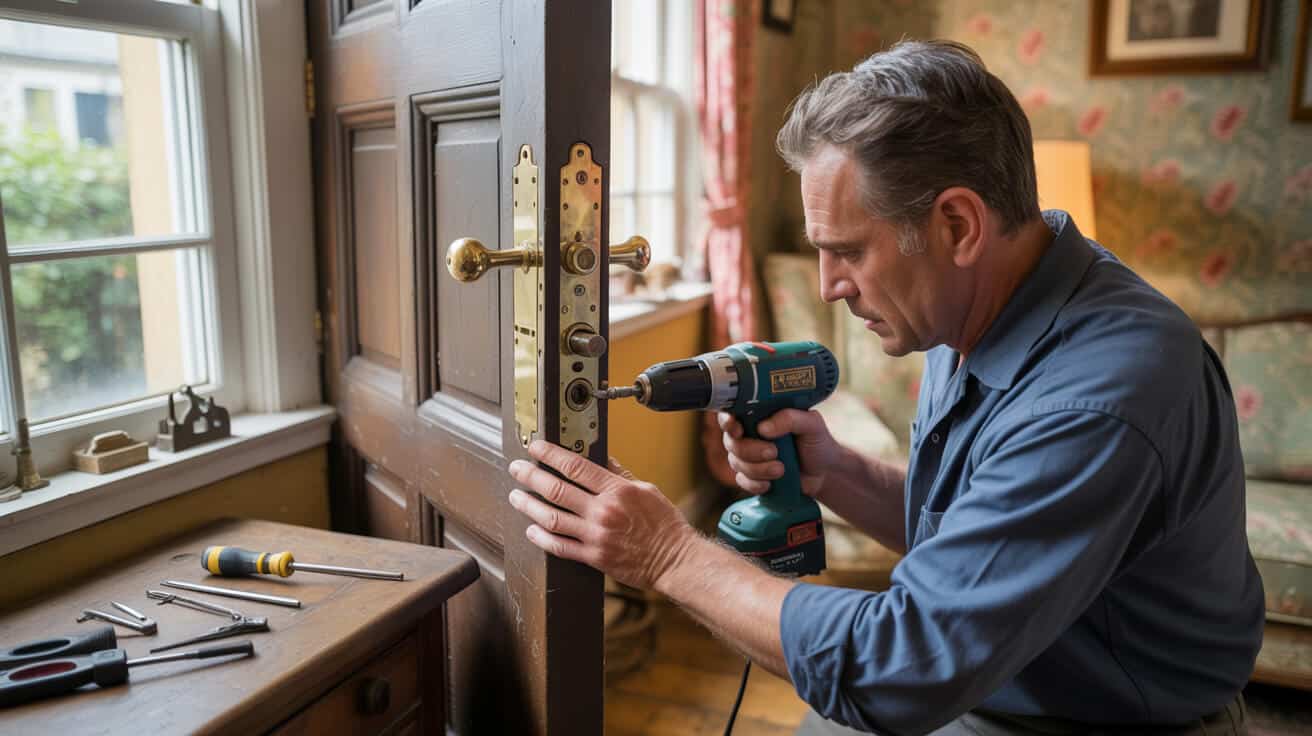
Everyone—eventually—faces flat batteries, power cuts, or broken screens. That’s why top lock brands always include a mechanical keyhole. If everything goes dark—the app, the keypad, the batteries—you still have a physical route in. Some locks also feature an emergency 9V battery input; tap a battery to the contacts, power up for a moment, and punch your code.
- Manual override is a dealbreaker.: Never fit a smart lock without one ([safe.co.uk](https://www.safe.co.uk/blog/2022/06/do-smart-locks-need-wi-fi)).
- Locks without physical backups risk locking you out for good—or demanding an expensive callout.
A mechanical backup isn’t a relic; it’s the reason your smart lock isn’t just another gadget waiting to flop in a crisis.
Are There Smart Locks That Only Work With Wi-Fi? Are They Risky?
A handful of Wi-Fi–only “designer” smart locks skip all redundancy. They promise a sleek look—no keypad, backup key, or Bluetooth—leaving you dependent on a perfect cloud connection. If Wi-Fi cuts out or the manufacturer’s server crashes, your options become limited: you’re not just locked out, you’re at the mercy of tech support.
Most homeowners and businesses want security, not drama, so they choose:
- Code entry for daily use
- Bluetooth or phone entry as backup
- Mechanical key override for emergencies
A smart lock that depends on one fragile link isn’t smart. Don’t accept a design that trades beauty for basic reliability.
Always check: “Bluetooth Unlock,” “Physical Key,” “Offline Access” should appear in the specs. If not, consider whether a remote lockout is worth the risk.
What Do Z-Wave and Zigbee Add That Wi-Fi-Only Locks Don’t?
Z-Wave and Zigbee let your locks talk to local hubs, forming a mesh network inside your property. If the internet flops but your hub stays powered, scheduled automations—like “lock all doors at 11 pm”—still go through. Devices respond locally, shrugging off most broadband chaos.
- Mesh networks excel for large properties with smart devices everywhere.
- Automation events (lock/unlock routines) keep running even during internet outages ([smarthomefocus.com](https://smarthomefocus.com/z-wave-zigbee-smart-locks)).
Crucially, nearly every Z-Wave or Zigbee smart lock also includes keypad entry and/or mechanical override. That means more paths in, less reason for panic.
Which Features Stop Working When the Internet Is Down?

Only some “bonus” functions require your lock to talk globally:
- Unlocking from afar (e.g., crossing London to buzz in a guest).
- Instant phone alerts on every entry, tampering, or low battery.
- Cloud routines between brands—like automatic lights when unlocked.
But the must-have trio—keypad, Bluetooth, and physical key—keeps you safe and inside (makeuseof.com). Your front-door access is always local.
Which Brands and Models Are Best for Offline Smart Lock Access?
Top-tier brands know redundancy builds confidence. Yale, August, Nuki, Schlage, Kwikset—these names appear again and again in independent reviews. Their lead models always bundle at least two backup methods alongside Wi-Fi, making sure you’re never locked out.
- PIN pad for offline entry
- Bluetooth for phones
- Mechanical key fallback
The ultimate feature is reliability. Everything else is a nice-to-have.
Check the packaging or site for “Offline Access,” “Mechanical Override,” or similar phrases. Favour models with strong user praise for fail-safe access, not just trendy integrations.
How Much More Battery Does Wi-Fi Use Than Bluetooth or Mesh?
Wi-Fi devours battery life because it requires the lock to be “always listening” for signals. Expect to change batteries every 2–4 months for a Wi-Fi–connected model, especially if you enable detailed alerts. Bluetooth, Zigbee, and Z-Wave models can stretch a single set 8–12 months (nytimes.com).
Every extra battery swap is a risk. Miss the alert, and you could find your lock completely dead—right when you least expect it.
Are Smart Locks Getting Better at Working Without Wi-Fi?
Yes, and it’s a direct response to what owners and businesses really want: tech that fits real life, not the other way round. Leading makes now design their best-selling models with:
- Physical keypad plus Bluetooth
- Emergency key override, always available
- 9V battery backup points, for surprise power fails
- Local, in-home mesh automations for those who love routines ([wired.com](https://www.wired.com/storey/best-smart-locks/))
It’s no longer about controlling everything remotely; it’s about the door just opening, every single time, tech drama or not.
The top models make the tech invisible—you don’t remember the lock, just the ease.
Will You Be Locked Out If Wi-Fi or the App Fails? Real-World Results
Actual lockouts from smart locks are rare—when you choose a model with genuine backup. The people who get stuck usually picked style over substance. Skip a keypad, skip a key, rely only on the app… then when cloud, app, or Wi-Fi fails, there’s no way in except dialling for an emergency locksmith.
- The cloud’s down? Use your code.
- The app crashed? Try Bluetooth.
- Both failed? Mechanical backup always wins.
Prime Alert – The London Locksmiths spend less time rescuing clients from smart locks that “just work,” and more from the odd cloud-only model that forgot about real life.
Does Remote Monitoring Require Wi-Fi?
Yes—if you want instant alerts about who unlocked the door or to buzz someone in while you’re away, you need Wi-Fi or mobile data. Remote status, live logs, push notifications, and mobile unlocks all depend on a stable internet line.
- Locks keep a basic access history but only sync it to your devices once the connection’s restored ([pocket-lint.com](https://www.pocket-lint.com/explainers/what-is-a-smart-lock-how-it-works-features)).
- Remote controls “queue” themselves until Wi-Fi returns.
Data dashboards are an extra layer—but not your main line of safety.
Prioritise instant, on-site entry. View remote features as secondary.
How Do You Choose: Wi-Fi, Bluetooth, Keypad—or All Three?
There’s no single “best” option—just the right fit for your property and what feels natural to use.
| Method | Wi-Fi Needed? | Best Use Case |
|---|---|---|
| PIN keypad | No | Anyone, anytime, guests, trades |
| Bluetooth (local) | No | Fast phone entry, daily users |
| Mechanical key | No | Backstop, always accessible |
| Remote unlock | Yes | Off-site, short lets, landlords |
Pair at least two: Keypad + Key is gold standard. Add Wi-Fi for remote perks, but never let it be your only option.
Why Professional Fitting Ends 99% of Lockout Anxiety
A lock is as reliable as its installation. Professional fitters ensure every route in—PIN, Bluetooth, physical key—works from day one. They also test batteries, backup keys, and perform a walk-through for your family or staff.
Prime Alert – The London Locksmiths have seen every “smart” mistake: dead apps, missing codes, forgotten keys. That’s why every smart lock job is finished with:
- Brand-known models, proven for offline entry
- Custom installation to your doorframes and usage needs
- Emergency/local support when something weird does happen—no waiting on holding queues
- Demonstrations for every backup, not just the smartphone buzz
The best lock is one you barely think about—it just works, day or night.
The Takeaway: Don’t Bet on Wi-Fi Alone—Insist on True Redundancy
A smart lock is only as strong as its backup plan. Never settle for a model that leaves you at the mercy of an internet signal or a phone screen. Demand at least two alternative routes in: keypad, Bluetooth, or mechanical key. Trust your installation with a proven pro who walks you through every backup.
If you want tech that fits life—not life that bends to tech—choose redundancy.
Call Prime Alert – The London Locksmiths Today
Your property deserves security that’s unstoppable—Wi-Fi or not. Prime Alert – The London Locksmiths deliver expert advice, hand-pick models with proven offline reliability, and instal them right, first time. You get seamless entry every day, every night, no matter what your broadband’s doing.
Call now and get security you control—your way, every single time.
Frequently Asked Questions
Who relies most on smart lock Wi-Fi—and when does it really matter?
Vendors love to pitch Wi-Fi as the must-have for every smart lock, but most homeowners and business users get the real value from local, offline entry. Wi-Fi shines for property managers, Airbnb hosts, or travel-prone families who need remote unlock or digital guest codes. If what matters most is in-person entry that never falters—even if your internet is down—prioritise models that let you punch a PIN or use a Bluetooth phone tap. These “offline-first” features mean you’re always in control, no matter how cloud-connected your life gets.
Which use-cases truly demand Wi-Fi connectivity?
If you regularly issue access to staff, manage guest rotations from afar, or want door alerts wherever you are—Wi-Fi unlocks those possibilities.
What must you double-check before banking on offline access?
Not all “smart” locks guarantee you’re safe when the internet wobbles or your Wi-Fi drops out. Scan product details for explicit offline features: keypad entry, Bluetooth unlocks, and above all, a mechanical key for emergencies. Brands like Yale and Schlage detail “Offline Access” and backup methods up front; cheaper or trendier models sometimes quietly skip these fail-safes. Always insist on more than one entry option—relying on an app alone risks a lockout at the worst time.
How do you spot a lock that might fail you offline?
If the specs mention only Wi-Fi and mobile apps without clear keypad or key backup, you’re exposed if tech glitches or devices fail.
How do multiple entry methods protect against digital lockouts?
Smart locks with Bluetooth, PIN codes, and old-school keys act as a triple-insurance policy. If your phone battery is dead, PIN entry saves the day. If the lock itself loses battery, many models let you “jump start” with a 9V for a single PIN use. Mechanical keys add a last-resort backup that never cares about software—or patchy internet. This layered approach means homeowners and business users keep access in any scenario—cloud, app, or battery be damned.
“Redundancy isn’t a luxury feature; it’s your everyday safety net when real-life problems happen at your doorstep.”
Which features disappear if Wi-Fi is cut—but is daily access ever at risk?
When your router goes down, smart lock basics keep rolling: local PIN or Bluetooth entry stays reliable. What you lose are remote unlocks, live entry alerts, and the ability to update guest codes from a distance—until Wi-Fi returns. It’s only the advanced “cloud” perks that pause, not the entry essentials you use every day. Locks using Zigbee or Z-Wave with a home hub can keep smart routines going, even if your internet provider lets you down.
Does a mesh system keep your doors smart during internet outages?
Mesh protocols (like Zigbee) allow “smart home” routines and automations to run locally—so keyless entry still works when Wi-Fi fails.
How does Wi-Fi really affect smart lock battery changes?
Wi-Fi connections draw power constantly, so expect to swap batteries in as little as 3–5 months on high-traffic doors. Bluetooth- or mesh-powered locks can stretch to 8–12 months with lighter battery use. Most reputable brands now signal low battery both locally (beeps, flashes) and in the app—some even if your phone is offline. For anyone who hates surprise lock-outs, understanding these differences prevents unwanted scrambles for replacements in the dead of winter.
Table: Typical Battery Life By Connection Type
Expected ranges based on brand tech and real-world use:
| Protocol | Battery Life (months) | Offline Warning Support |
|---|---|---|
| Wi-Fi | 3–5 | Yes (varies by model) |
| Bluetooth | 8–12 | Yes |
| Zigbee/Z-Wave | 9–14 | Hub alerts, often yes |
Why does professional installation guarantee long-term security and reliability?
Few things are more frustrating than a perfect smart lock rendered useless by a lopsided door frame or botched DIY instal. When you bring in Prime Alert – The London Locksmiths, you’re tapping experts who test every backup method—PIN, Bluetooth, mechanical key—on site and adjust for door quirks that defeat app-only brands. Their fitters also teach you the maintenance routines that keep local features working, ensuring you’re never caught out by dead spots or surprise lockouts, no matter what happens online.
A professional installer sees the failures most people overlook—so you avoid them altogether when security matters most.